Registering a piped
This page describes how to register a new piped to a project.
The list of pipeds is shown on the Settings page. Anyone who has the project admin role can register a new piped by clicking on the +ADD button.
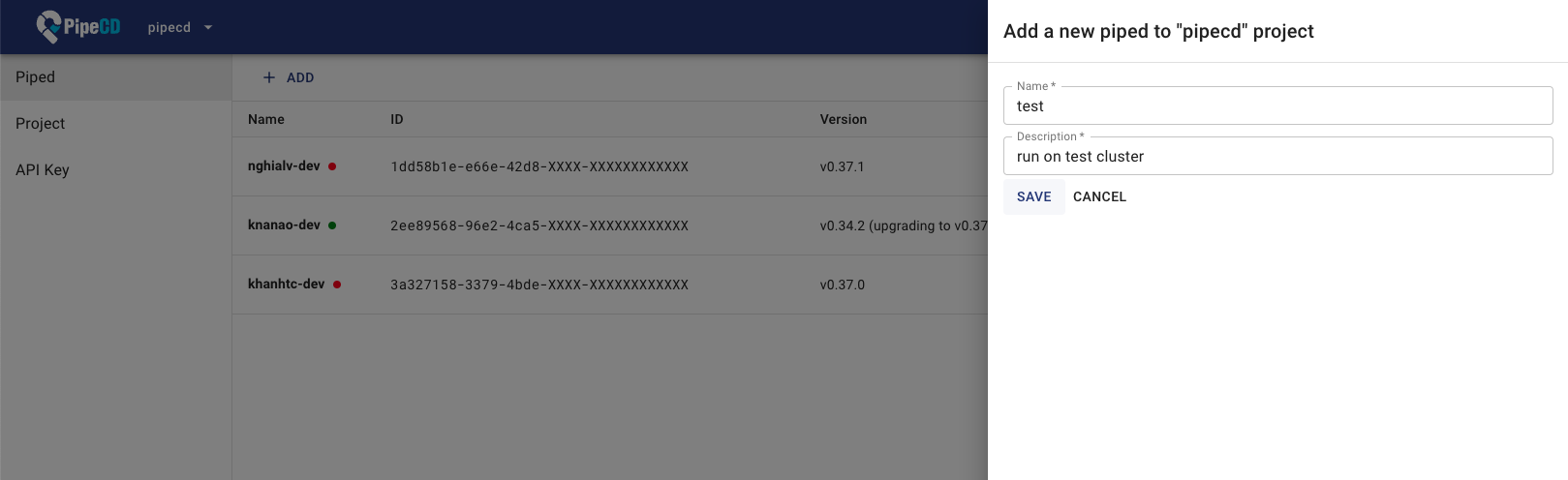
Registering a new piped
Feedback
Was this page helpful?
Glad to hear it! Please tell us how we can improve.
Sorry to hear that. Please tell us how we can improve.
Last modified May 13, 2026: Release v0.56.0 (#6759) (5df1ef3b5)
